Private AI daily planner
Håg
iOS app
Clear your mind. Plan the day.
Håg turns scattered thoughts into a realistic day. Capture anything in seconds, plan around the time you actually have, and focus on one thing at a time.
- No Håg account
- No ads or tracking
- On-device AI and OCR
What it does.
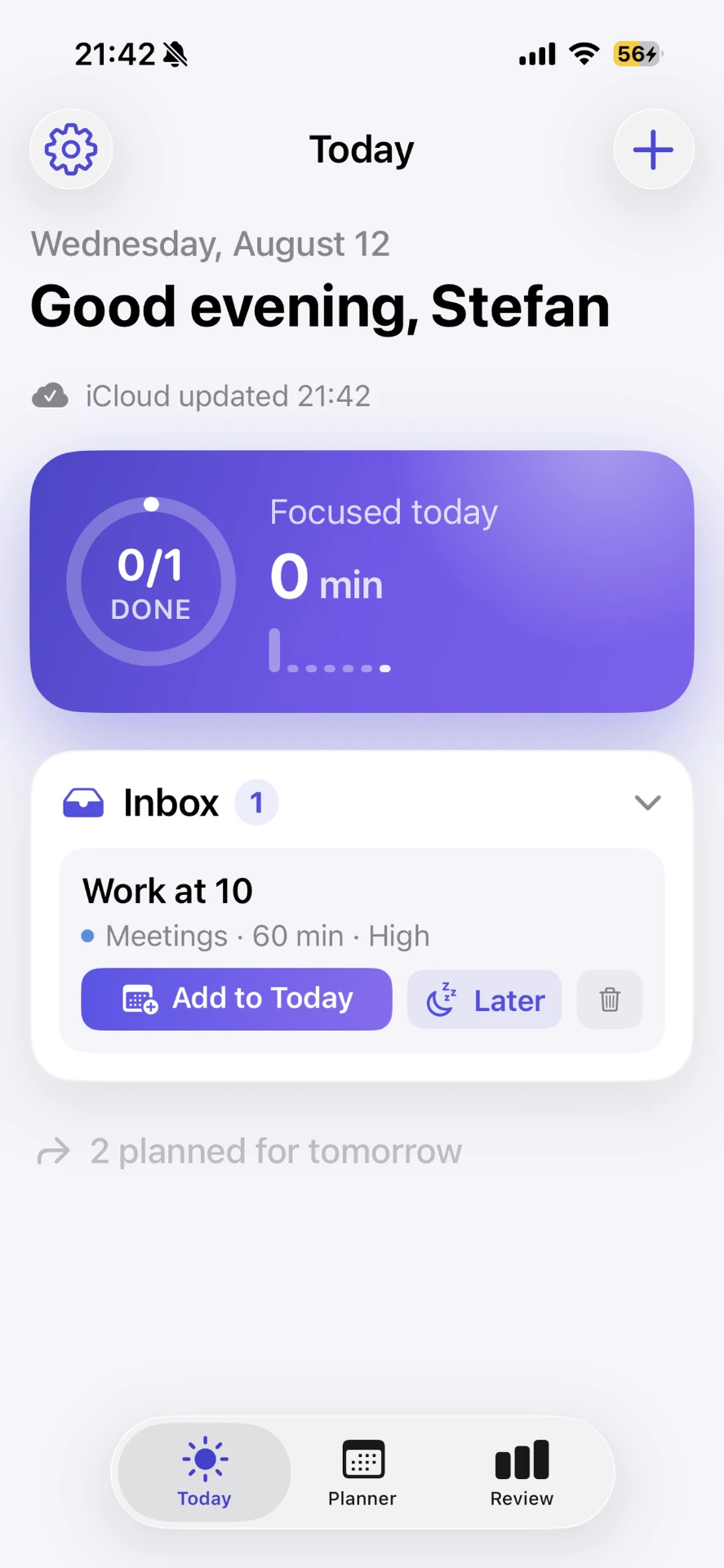
Håg is a calm place for everything on your mind. Dump a thought by typing, dictating or snapping a photo, and Håg turns it into a task with the right category and estimate. From there it builds a realistic day around the time you actually have, keeps you on one thing at a time, and gives you an honest weekly review. No Håg account, no ads, no tracking — your data stays on your device or in your own private iCloud.
From a thought to a finished week.
From thought to plan
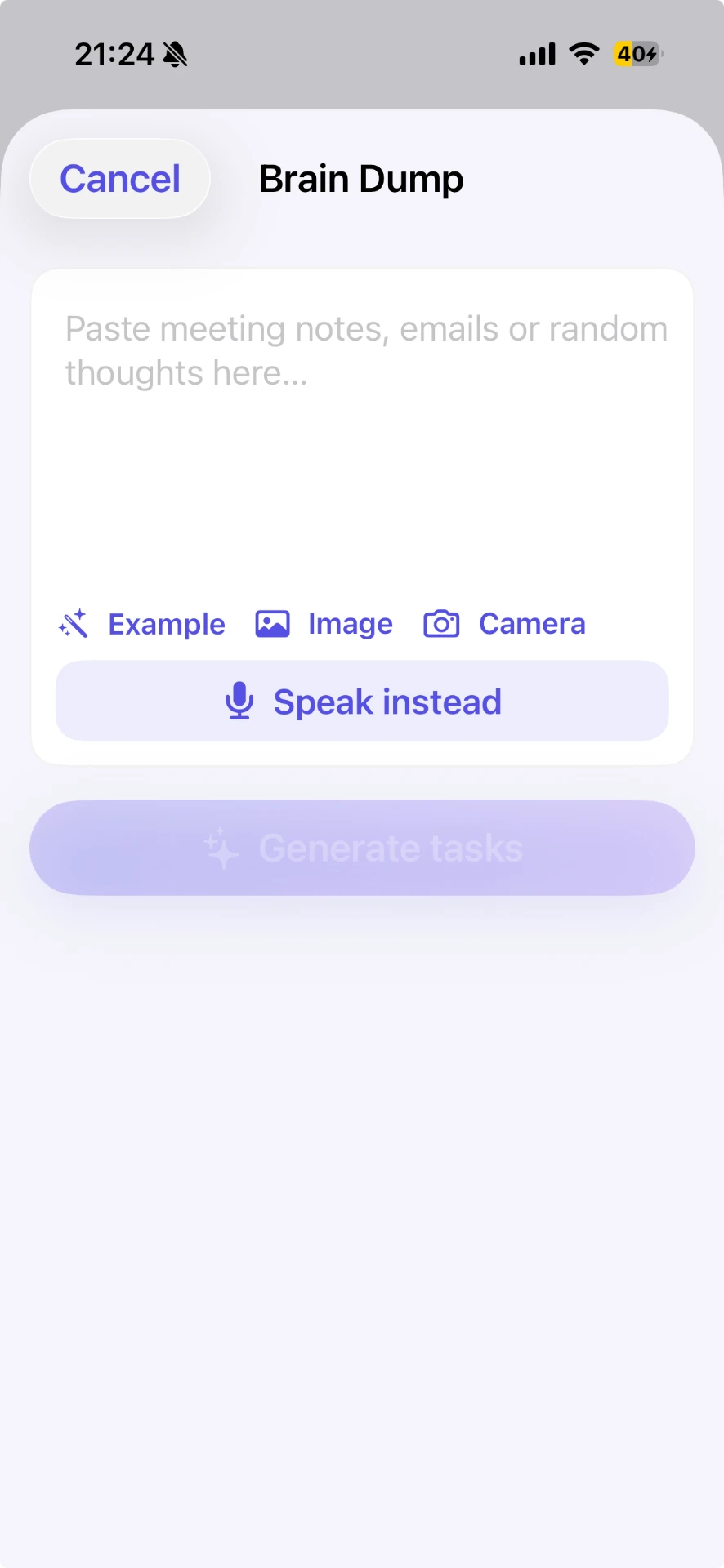
Brain Dump takes whatever is on your mind — typed, dictated or photographed. On-device text recognition reads notes and whiteboards, and Håg turns the result into a task with a category and a time estimate.
Plan around real life
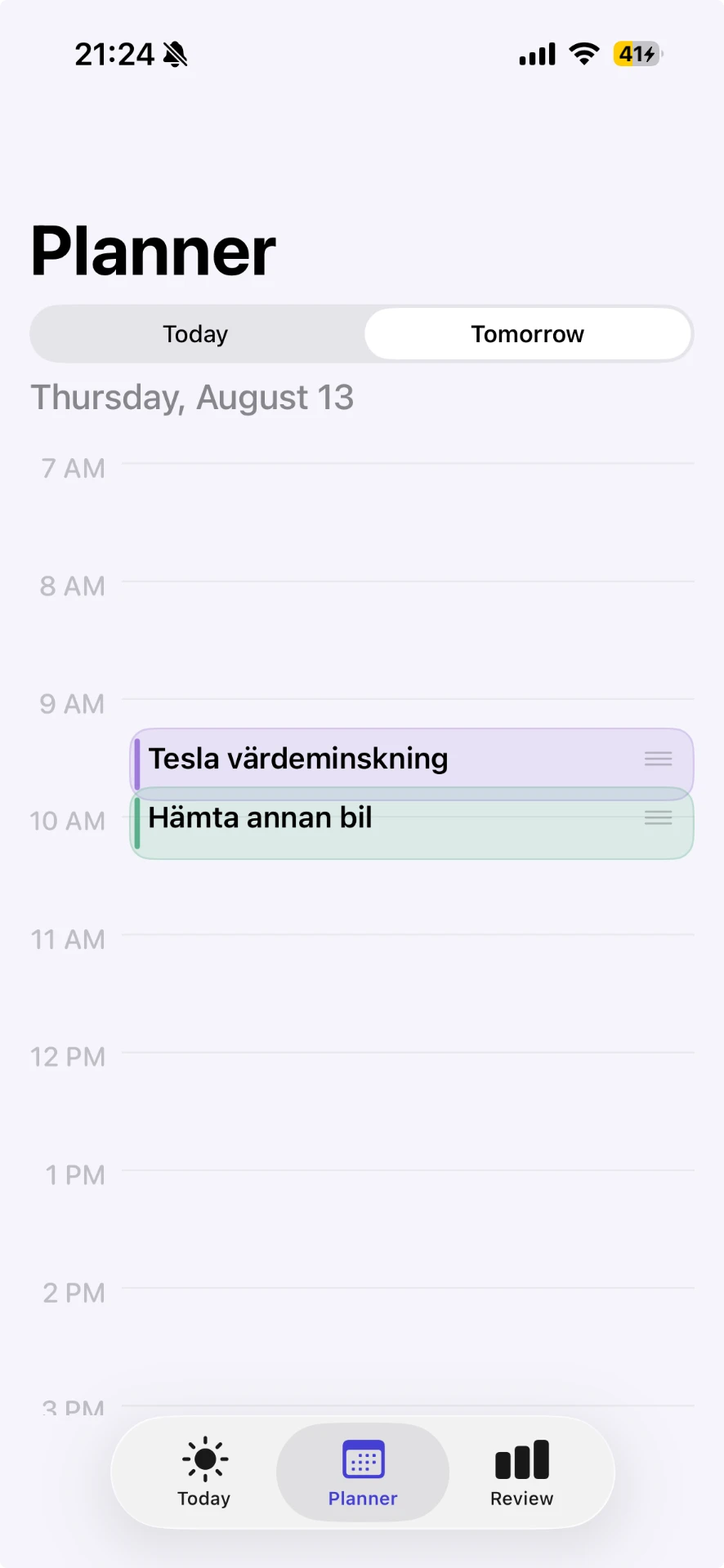
The planner lays your tasks out on a timeline next to the events already in your calendar, so the day you plan is a day that actually fits. Calendar access is optional and read-only.
Focus on one thing
Focus mode shows a single task at a time and tracks the minutes you spend on it. No lists to scroll, no notifications you didn't ask for.
See the week clearly
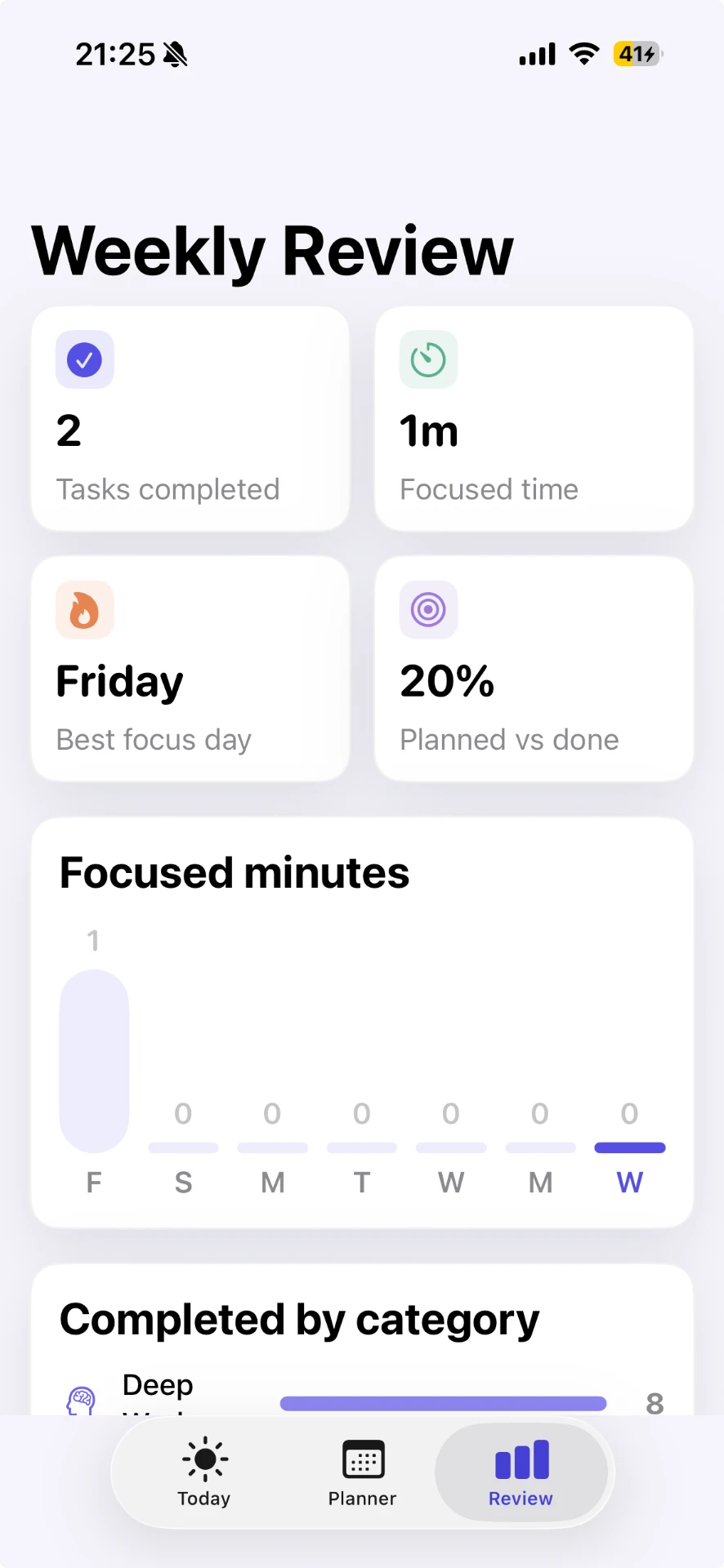
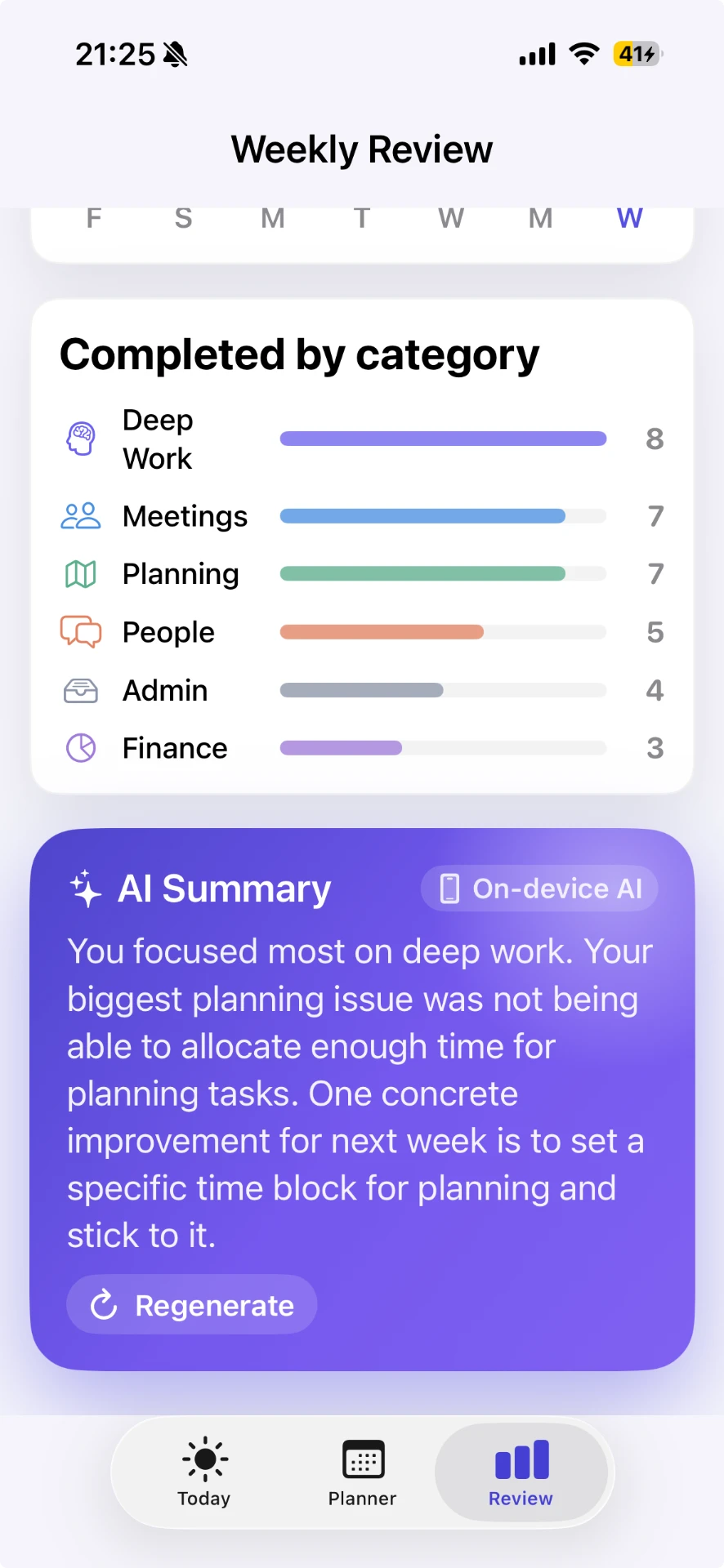
Weekly Review shows tasks completed, focused time and how your effort was split across categories — plus an honest summary of where the week went.
Private by design
No Håg account, no ads, no analytics SDKs. Your data stays on your device, or in your own private iCloud if you turn on sync, and you can delete all of it in one tap.
Designed with intent.
- Brain Dump — capture by typing, dictation or a photo of a note or whiteboard
- On-device OCR — text is read from the image, and the image itself is never stored
- Automatic categories and time estimates for what you capture
- Day planner that schedules around your real calendar events
- Read-only Calendar access, entirely optional
- Focus mode that shows one task at a time
- Focused-time tracking per day and per category
- Weekly Review with tasks completed and focus time
- AI Summary of your week, generated on-device where supported
- Local notifications you can turn on or off
- Optional private iCloud sync between your devices
- App Lock with Face ID and one-tap deletion of all data
Common questions.
Need help with Håg?
Send us a message — we read and reply to every one.